Skip to content
  • Live
  • Blog
  • Shop
  • Contact
  • About
  • Discord
  • GitHub
  • YouTube
  • Twitch
  • Instagram
CheerLights

CheerLights

We are all connected.

CheerLights on GitHub, Twitch, and Discord. We are all connected.
  • Learn
  • Build
  • Connect
  • Toggle search form

WebGL CheerLights Shader: Generative Art That Follows the Color

Posted on October 28, 2024November 28, 2026 By Hans Scharler No Comments on WebGL CheerLights Shader: Generative Art That Follows the Color

Nigel Crawley, an artist in Dorset, UK, wrote a WebGL shader that follows CheerLights. There are no LEDs: open the page in a web browser and the screen becomes the display.

Glowing red ribbons that look like swirling liquid sweep across a dark red, almost black background.
Screenshot: Nigel Crawley, from his Mastodon post

A shader is a small program that runs on the graphics chip and works out the color of every pixel on the screen. Nigel’s shader draws ribbons that look like swirling liquid, and their color changes to match the current CheerLights color. In his screenshot, the ribbons glow red against a dark background. The page checks for a new color every 60 seconds, so when someone changes the color, the art follows within a minute. On mobile devices, you can install the page as a full-screen progressive web app, a web page that installs and opens like an app.

WebGL Cheerlights shader. Colour changes to match current Cheerlights colour. Checks for new colour every 60secs.

Nigel Crawley, on Mastodon

See it live at nigelcrawley.co.uk/cheerlight, and read his post on Mastodon. To bring the color into your own web page, start with our CheerLights JavaScript client library.

Share this:

  • Share on X (Opens in new window) X
  • Share on Facebook (Opens in new window) Facebook
  • Share on Tumblr (Opens in new window) Tumblr
  • Share on Reddit (Opens in new window) Reddit
  • More
  • Share on Pinterest (Opens in new window) Pinterest
  • Share on LinkedIn (Opens in new window) LinkedIn
  • Email a link to a friend (Opens in new window) Email
  • Print (Opens in new window) Print

Related


Discover more from CheerLights

Subscribe to get the latest posts sent to your email.
Projects Tags:Community Spotlight

Post navigation

Previous Post: Learn How to Make a CheerLights Tree Topper
Next Post: CheerLights JavaScript Widgets

Related Posts

none Gemini Moodlights, Local Edition: Speak Your Mood to CheerLights Projects
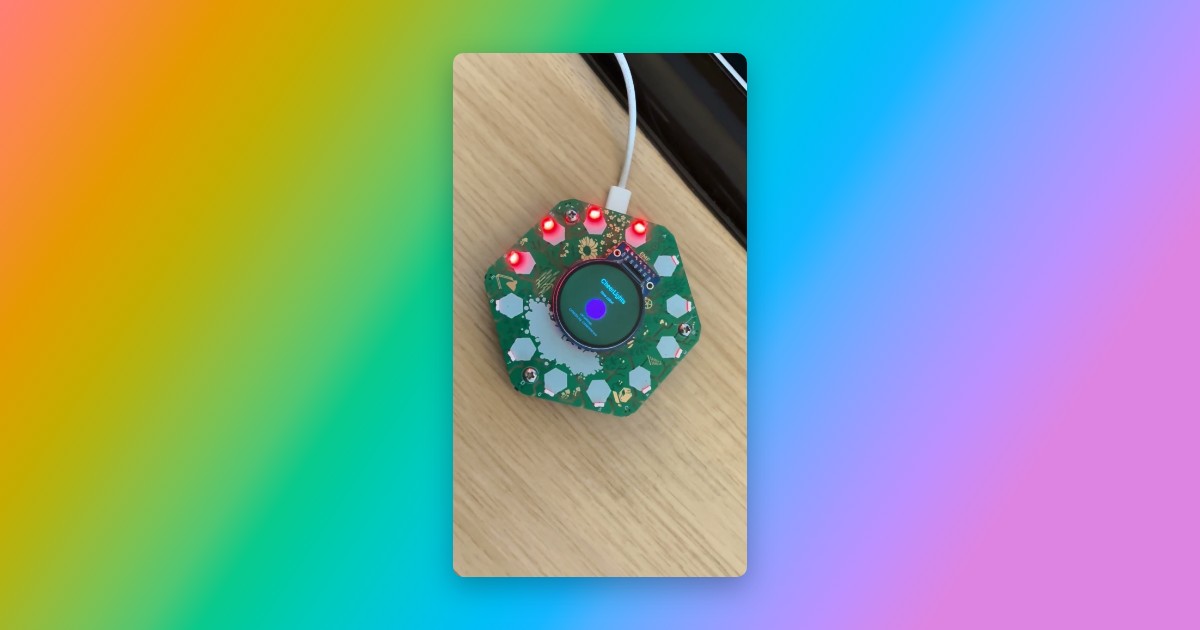
A hexagonal green circuit-board badge on a wooden desk, five of its LEDs glowing red, its round screen showing CheerLights, New color!, and a violet dot. CheerLights on the EMF Camp Tildagon Badge: An App for Its 12 LEDs Projects
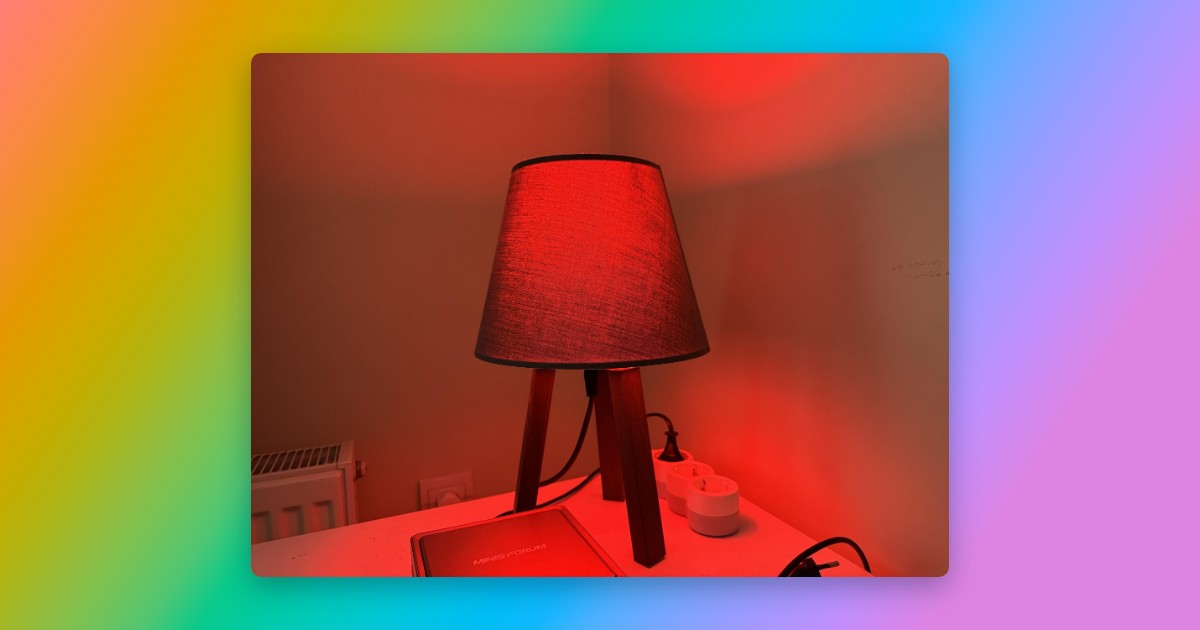
A table lamp with a fabric shade on wooden tripod legs glows red in the corner of a room, on a white desk beside a mini PC and a power strip. CheerLights Home Office Lamp With Home Assistant and n8n Projects

Leave a Reply Cancel reply

Your email address will not be published. Required fields are marked *

This site uses Akismet to reduce spam. Learn how your comment data is processed.

Get new CheerLights posts by email

Tutorials, new builds, and announcements, one email per post.

  • CheerLights for Home Assistant: Your Lights Follow the Color Everyone Shares
  • CheerLights Terminal 0.2: Watch the Color Change Live in Your Terminal
  • CheerLights on an omg.lol Profile Card: A Display With No Hardware
  • CheerLights on Bluesky: Post a Color and Lights Around the World Change
  • Pimoroni CheerLights Examples: Six Boards, From Presto to Mighty FX

Copyright © 2026 CheerLights.

Powered by PressBook Grid Blogs theme

Loading Comments...