Skip to content
  • Live
  • Blog
  • Shop
  • Contact
  • About
  • Discord
  • GitHub
  • YouTube
  • Twitch
  • Instagram
CheerLights

CheerLights

We are all connected.

CheerLights on GitHub, Twitch, and Discord. We are all connected.
  • Learn
  • Build
  • Connect
  • Toggle search form

CheerLights on the EMF Camp Tildagon Badge: An App for Its 12 LEDs

Posted on May 31, 2026November 28, 2026 By Hans Scharler No Comments on CheerLights on the EMF Camp Tildagon Badge: An App for Its 12 LEDs

Sam Machin built a CheerLights app for the Tildagon, the electronics badge from Electromagnetic Field (EMF Camp). He started it on a Saturday evening and released version 1.0.0 the next morning. It’s listed in the badge’s own app store, so anyone with a Tildagon can install it.

A hexagonal green circuit-board badge on a wooden desk, five of its LEDs glowing red, its round screen showing CheerLights, New color!, and a violet dot.
Photo: Sam Machin, from his YouTube video

The Tildagon is a hexagonal board with an ESP32-S3 that runs MicroPython, a round screen, six buttons, and 12 LEDs around its edge. Sam wrote the app in MicroPython. When it launches, it connects to Wi-Fi, fetches the current CheerLights color over HTTP, and sets all 12 LEDs. Then it subscribes to the CheerLights MQTT broker for live updates. When a new color arrives, the LEDs switch off one by one, clockwise, and light up again in the new color. This works with the app in the background too: MQTT stays connected and the LEDs keep updating. In the frame above, the screen says “New color!” while five LEDs still glow red. A settings menu lets you point the app at a different MQTT server, port, and topic.

Somehow nobody had built an @CheerLights App for the @badge So I did…

Sam Machin, on Mastodon

The code is on GitHub, and you can install it from the Tildagon App Store or watch it change color in his video.

Share this:

  • Share on X (Opens in new window) X
  • Share on Facebook (Opens in new window) Facebook
  • Share on Tumblr (Opens in new window) Tumblr
  • Share on Reddit (Opens in new window) Reddit
  • More
  • Share on Pinterest (Opens in new window) Pinterest
  • Share on LinkedIn (Opens in new window) LinkedIn
  • Email a link to a friend (Opens in new window) Email
  • Print (Opens in new window) Print

Related


Discover more from CheerLights

Subscribe to get the latest posts sent to your email.
Projects Tags:Community Spotlight

Post navigation

Previous Post: Gemini Moodlights, Local Edition: Speak Your Mood to CheerLights
Next Post: CheerLights Stream Deck Plugin: Animated Bubbles and Aurora

Related Posts

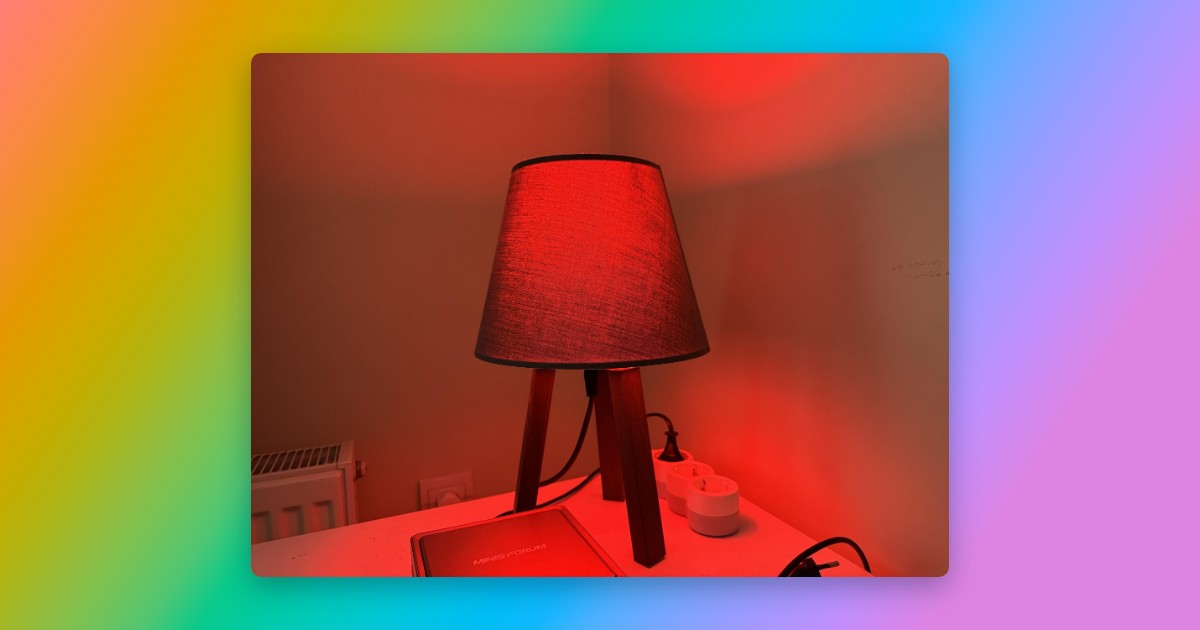
A table lamp with a fabric shade on wooden tripod legs glows red in the corner of a room, on a white desk beside a mini PC and a power strip. CheerLights Home Office Lamp With Home Assistant and n8n Projects
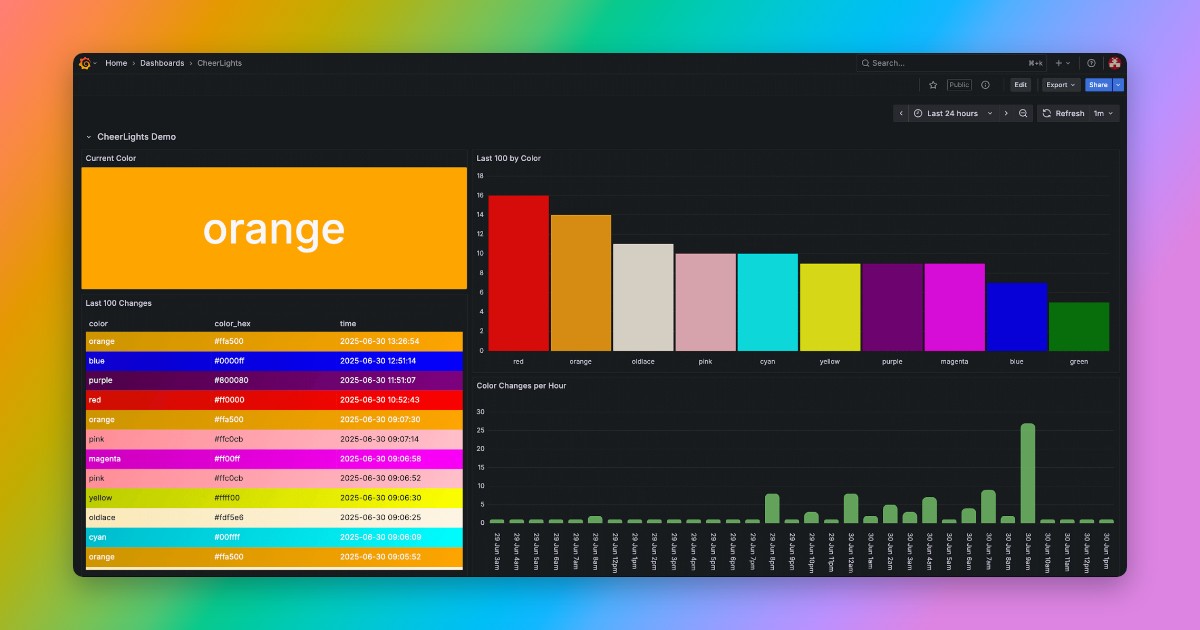
A Grafana dashboard with a large orange Current Color panel, a table of recent colors, a bar chart of the last 100 colors, and a chart of color changes per hour. CheerLights in Grafana Cloud: A Live Dashboard of the Color History Projects
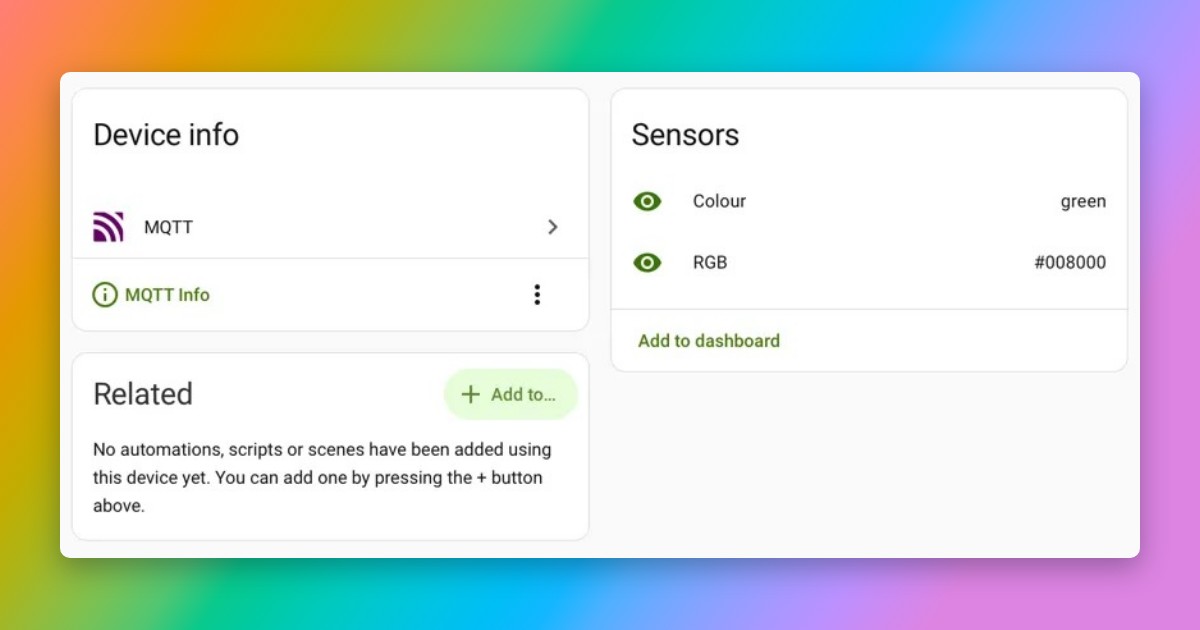
A Home Assistant device page with two CheerLights sensors, Colour reading green and RGB reading #008000. CheerLights in Home Assistant With a Mosquitto MQTT Bridge Projects

Leave a Reply Cancel reply

Your email address will not be published. Required fields are marked *

This site uses Akismet to reduce spam. Learn how your comment data is processed.

Get new CheerLights posts by email

Tutorials, new builds, and announcements, one email per post.

  • CheerLights for Home Assistant: Your Lights Follow the Color Everyone Shares
  • CheerLights Terminal 0.2: Watch the Color Change Live in Your Terminal
  • CheerLights on an omg.lol Profile Card: A Display With No Hardware
  • CheerLights on Bluesky: Post a Color and Lights Around the World Change
  • Pimoroni CheerLights Examples: Six Boards, From Presto to Mighty FX

Copyright © 2026 CheerLights.

Powered by PressBook Grid Blogs theme

Loading Comments...