Skip to content
  • Live
  • Blog
  • Shop
  • Contact
  • About
  • Discord
  • GitHub
  • YouTube
  • Twitch
  • Instagram
CheerLights

CheerLights

We are all connected.

CheerLights on GitHub, Twitch, and Discord. We are all connected.
  • Learn
  • Build
  • Connect
  • Toggle search form

CheerLights on an omg.lol Profile Card: A Display With No Hardware

Posted on November 23, 2026November 28, 2026 By Hans Scharler No Comments on CheerLights on an omg.lol Profile Card: A Display With No Hardware

Jeff, who posts as @box464, made the border of his omg.lol profile card change color with CheerLights. There are no LEDs and no board: the display is his home page.

Jeff's omg.lol profile card, with his cartoon avatar and bio, framed by a thick orange border in the current CheerLights color.
Screenshot of box464.omg.lol by Jeff (@box464)

He did it with a few lines of CSS and a short script on the page. Once a minute, the script reads the latest entry from the CheerLights channel on ThingSpeak and looks up the color name in his own retro palette, so “red” shows as a deep brick red rather than pure #FF0000. It then sets the card’s border to that shade, and a one-second CSS transition fades it in. If a request fails, the card keeps its last color. His bio on the card explains the trick to anyone who lands there. Whenever someone changes the color (on the CheerLights Discord, on Bluesky with #cheerlights, or on Mastodon through the volunteer-run bridge), his card follows within a minute.

Just to do something fun, I made my omg.lol profile card’s border change color whenever someone changes the public @CheerLights color.

Jeff, on Mastodon

See it live at box464.omg.lol. To put the color on your own site, start with our JavaScript widgets.

Share this:

  • Share on X (Opens in new window) X
  • Share on Facebook (Opens in new window) Facebook
  • Share on Tumblr (Opens in new window) Tumblr
  • Share on Reddit (Opens in new window) Reddit
  • More
  • Share on Pinterest (Opens in new window) Pinterest
  • Share on LinkedIn (Opens in new window) LinkedIn
  • Email a link to a friend (Opens in new window) Email
  • Print (Opens in new window) Print

Related


Discover more from CheerLights

Subscribe to get the latest posts sent to your email.
Projects Tags:Community Spotlight

Post navigation

Previous Post: CheerLights on Bluesky: Post a Color and Lights Around the World Change
Next Post: CheerLights Terminal 0.2: Watch the Color Change Live in Your Terminal

Related Posts

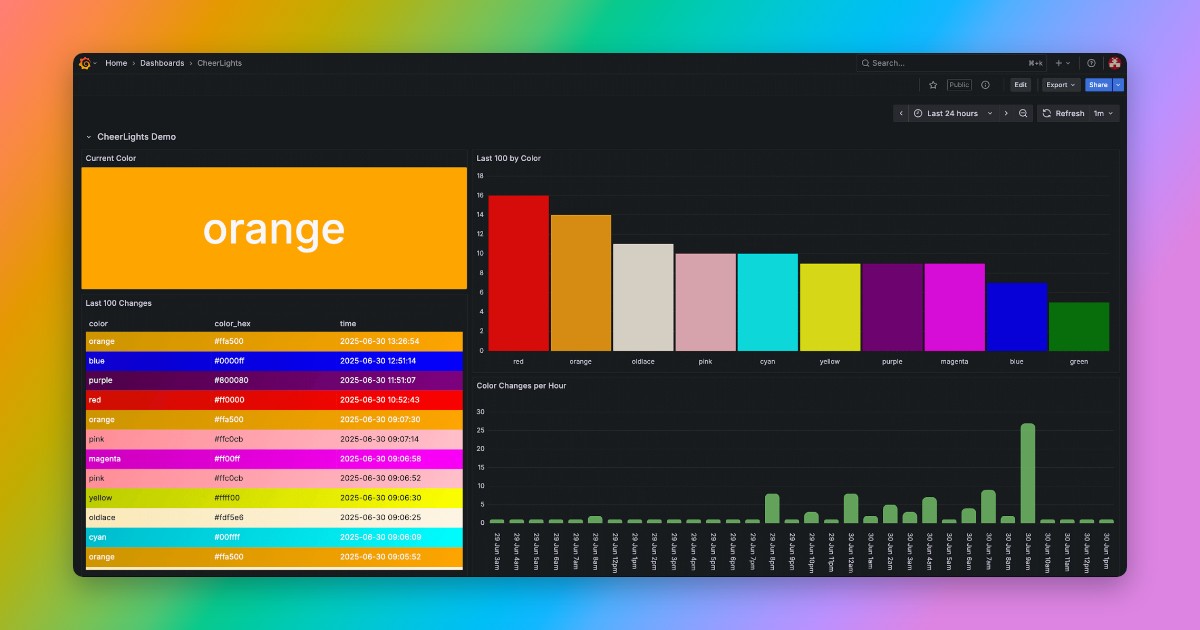
A Grafana dashboard with a large orange Current Color panel, a table of recent colors, a bar chart of the last 100 colors, and a chart of color changes per hour. CheerLights in Grafana Cloud: A Live Dashboard of the Color History Projects
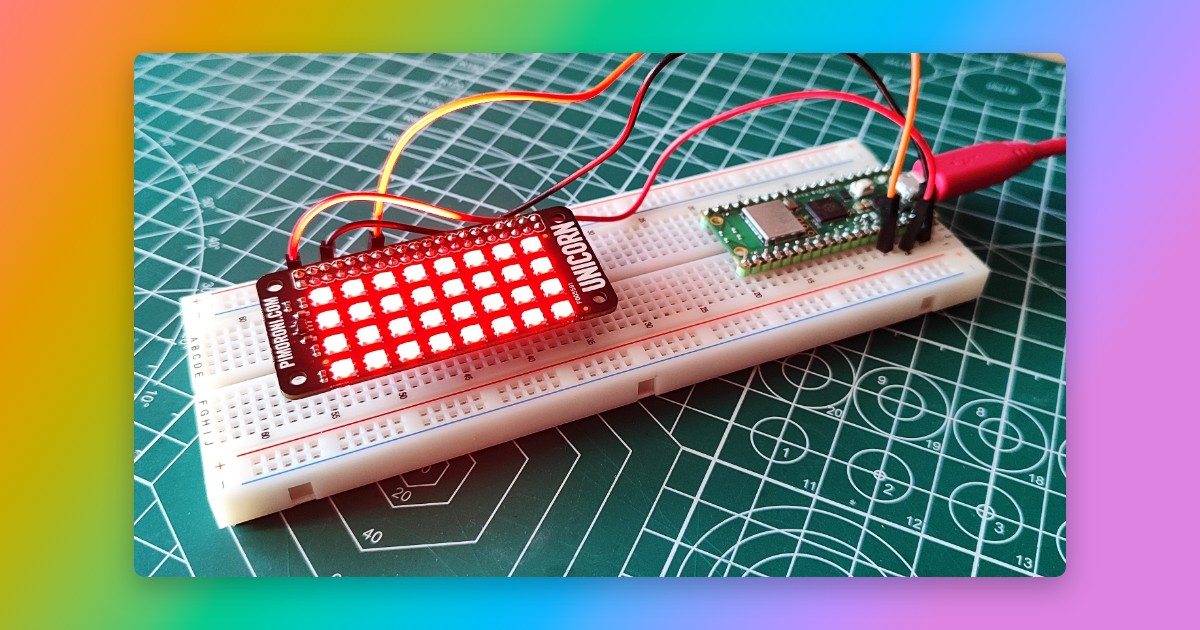
A Pimoroni Unicorn pHAT glowing red on a breadboard, wired with three jumper wires to a Raspberry Pi Pico W. CheerLights in Linux Format: A Pico W Tutorial by Les Pounder Projects
Glowing red ribbons that look like swirling liquid sweep across a dark red, almost black background. WebGL CheerLights Shader: Generative Art That Follows the Color Projects

Leave a Reply Cancel reply

Your email address will not be published. Required fields are marked *

This site uses Akismet to reduce spam. Learn how your comment data is processed.

Get new CheerLights posts by email

Tutorials, new builds, and announcements, one email per post.

  • CheerLights for Home Assistant: Your Lights Follow the Color Everyone Shares
  • CheerLights Terminal 0.2: Watch the Color Change Live in Your Terminal
  • CheerLights on an omg.lol Profile Card: A Display With No Hardware
  • CheerLights on Bluesky: Post a Color and Lights Around the World Change
  • Pimoroni CheerLights Examples: Six Boards, From Presto to Mighty FX

Copyright © 2026 CheerLights.

Powered by PressBook Grid Blogs theme

Loading Comments...