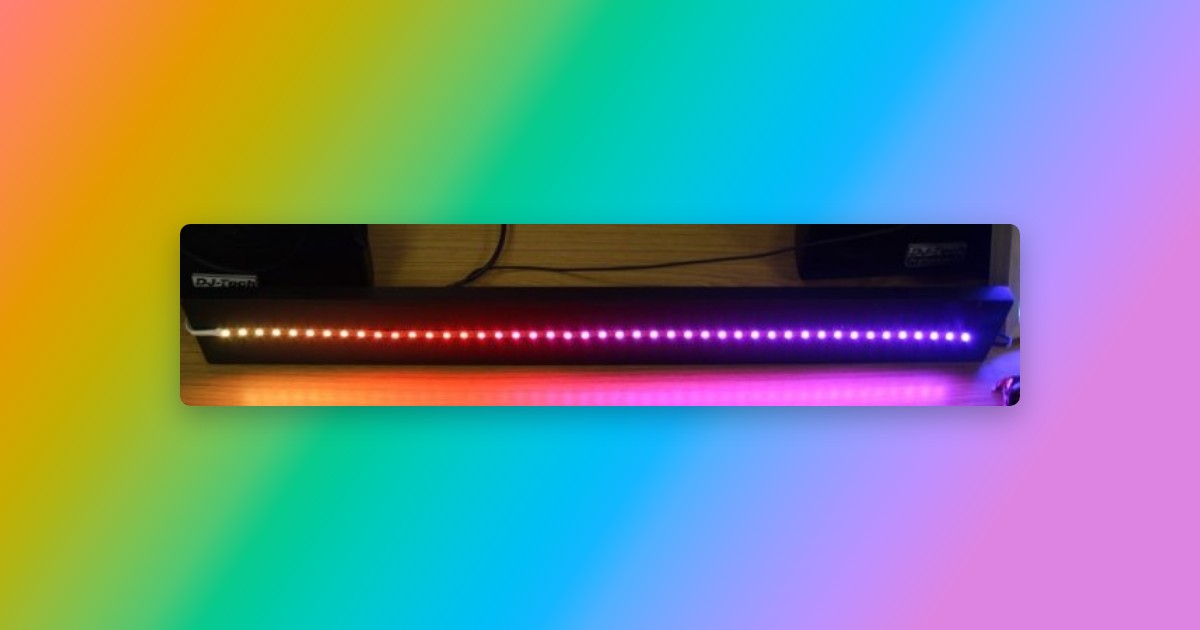
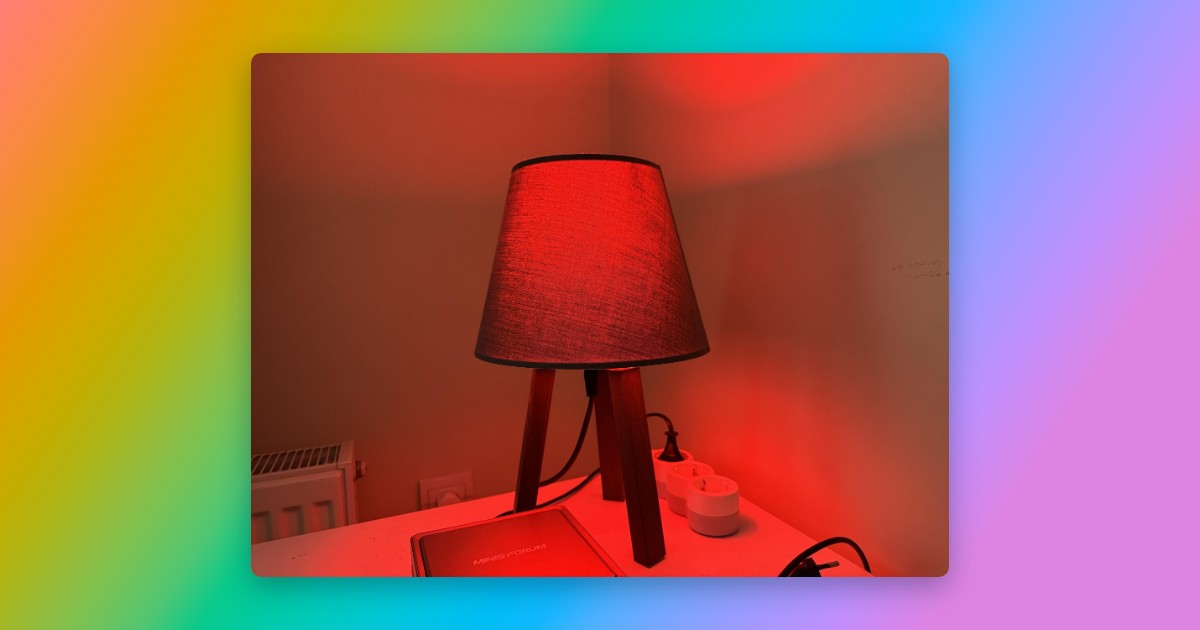
Liz Myers has rebuilt her Gemini Moodlights so it runs almost entirely on her Mac. You say how you feel, and lights on the CheerLights network change to match.
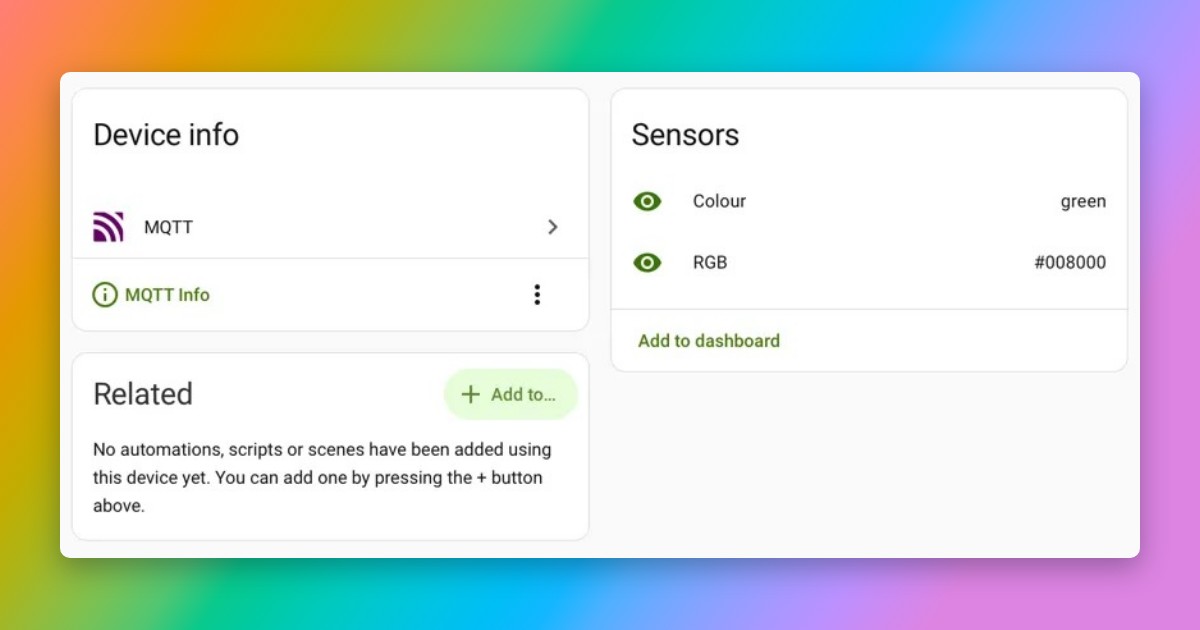
The first version leaned on cloud APIs: Gemini for the mood and Google Cloud for the voice. Liz found the delays and rate limits got in the way, so the Local Edition swaps in tools that run on the Mac. The app records two seconds from the microphone and transcribes them with Whisper. Gemma 2, running in Ollama, reads the mood and picks a color, and a built-in macOS voice confirms it out loud. The color goes out as a #cheerlights post on Mastodon, which a volunteer-run bridge passes on to CheerLights. If you name a color outright, a fast path posts it before Gemma has written its reply, and fuzzy matching catches Whisper’s slips, like hearing “science” when you said “cyan”. By her count, a change now takes 2 to 3 seconds instead of 5 to 8, with no API keys to manage except the Mastodon token. The repo also includes a desktop launcher and an Arduino sketch for an Adafruit Feather and a 24-pixel NeoPixel ring that shows the CheerLights color.
I wanted to add a voice UI so I could just say how I’m feeling and watch the lights change.
Liz Myers, Gemini Moodlights (Local Edition)
The code is on GitHub under the MIT license.
Discover more from CheerLights
Subscribe to get the latest posts sent to your email.