CheerLights shows up in the example code for many of Pimoroni’s wireless boards. The newest one arrived with the Mighty FX effects controller, so six boards now have a CheerLights program ready to run.

Each example is a MicroPython program that joins your Wi-Fi network and reads the latest color from the CheerLights channel on ThingSpeak. What it does with the color depends on the board:
Tap the screen to switch it off, or press the user button for dark mode. It started on the Plasma Stick, which we wrote about for Halloween 2022.
- Presto: draws a light bulb on the touchscreen in the current color and lights the ambient LEDs behind it to match.
- Yukon: with the RM2 Wireless Module, sets a NeoPixel or DotStar strip on an LED Strip module.
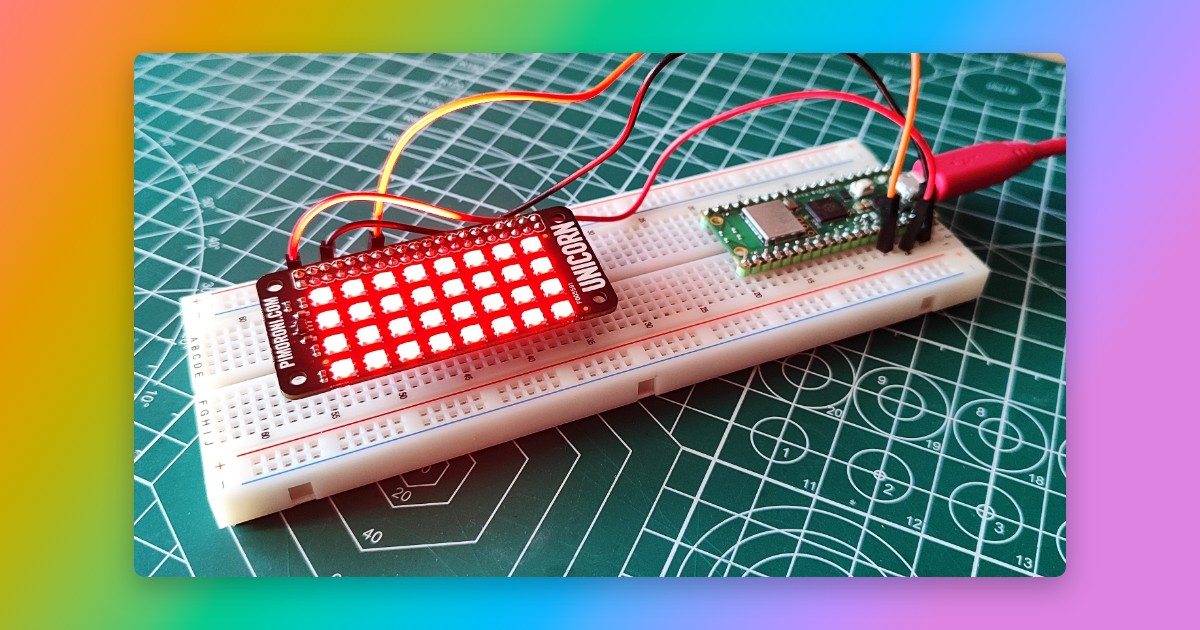
- Interstate 75 W: builds a history on a 32×32 LED matrix, adding one pixel of color about every five and a half minutes.
- Plasma: sets a whole LED string, and shows “spooky rainbows” if the Wi-Fi fails.
- Tiny FX W and Mighty FX: show the color on the boards’ RGB outputs, checking every five seconds.
A cheerlight connected desk light.
Pimoroni’s Presto example, describing itself in the Presto’s launcher
Each board name above links to its example on GitHub.
Discover more from CheerLights
Subscribe to get the latest posts sent to your email.