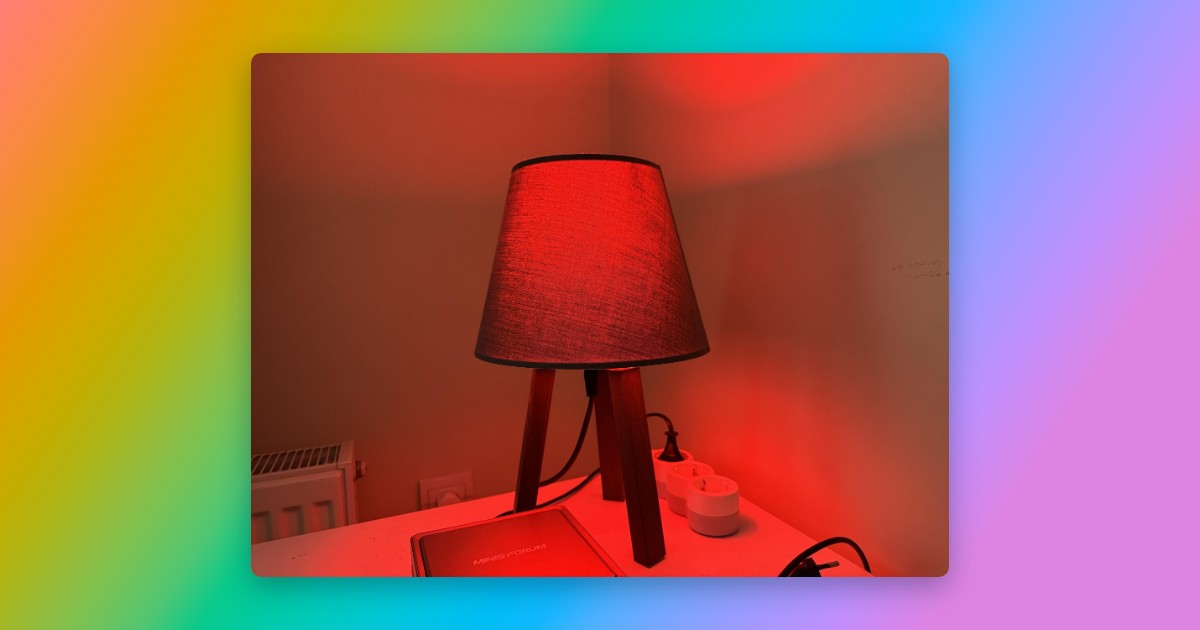
Andrew Jackson, who blogs as CodeChimp, got curious about the CheerLights posts showing up in his Mastodon feed. Two hours later he had his Home Assistant lights following the CheerLights color, and then he wrote up how to do it.

His setup has each new color pushed to Home Assistant instead of polling for it, the same way MQTT keeps several CheerLights displays in sync. A short bridge config tells his own Mosquitto broker to connect to mqtt.cheerlights.com and bring in two topics: cheerlightsRGB for the hex color and cheerlights for the color name. The bridge only receives, so nothing from his broker goes back out to CheerLights. In the Home Assistant UI, he added an MQTT device called CheerLights with an RGB sensor and a Colour sensor. An automation fires when the RGB sensor changes, splits the hex string into red, green, and blue values, and turns on a light in that color. He also puts a CheerLights label on the lights he wants to change, and uses the Spook custom integration to update only the ones that are already on.
There are lots of ways of doing this, but many involve polling, which I wanted to avoid.
Andrew Jackson, Add CheerLights to Home Assistant
The full walkthrough, with the bridge config and the automation, is on his blog.
Discover more from CheerLights
Subscribe to get the latest posts sent to your email.