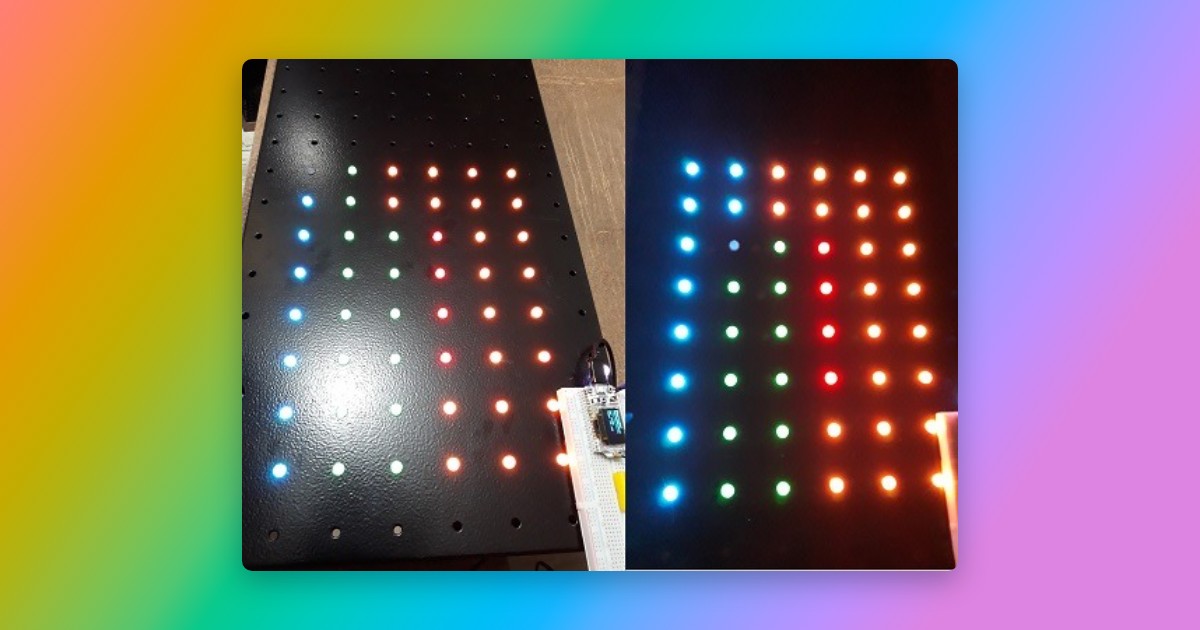
Stewart Watkiss of PenguinTutor has added CheerLights to his Raspberry Pi Pixel Server. Pixel Server is his web app for controlling NeoPixel strips from a browser, and he built it to run the RGB pixel strip along his driveway.

Pixel Server runs on a Raspberry Pi wired to a strip of WS281x RGB LEDs, preferably through a logic level shifter. A Python program built on Flask serves a web page where you pick a light sequence, its speed, and its colors from a computer or a phone. The same settings work as plain web requests, so a line in crontab, the Linux task scheduler, can switch the lights on and off on a schedule. His May 2022 update adds a Custom button to the color choices. A custom color comes from a file called customlight.cfg that holds one hex color per line, and the server updates the lights whenever that file changes. For CheerLights, one crontab line fetches the latest hex color from ThingSpeak channel 1417 every five minutes and writes it into that file. His video walks through the new option and the crontab, and has a chapter on tweeting to @CheerLights.
You can then add the CheerLights API to your crontab and use that to set the custom color to whatever is being shown around the world on the CheerLights network.
Stewart Watkiss, Raspberry Pi #CheerLights with Pixel Server
The setup steps are on his Pixel Server project page, the code is on GitHub, and the walkthrough is on YouTube.
Discover more from CheerLights
Subscribe to get the latest posts sent to your email.