Skip to content
  • Live
  • Blog
  • Shop
  • Contact
  • About
  • Discord
  • GitHub
  • YouTube
  • Twitch
  • Instagram
CheerLights

CheerLights

We are all connected.

CheerLights on GitHub, Twitch, and Discord. We are all connected.
  • Learn
  • Build
  • Connect
  • Toggle search form

Pi Zero and Blinkt CheerLights Tree: Pink Becomes Candy Cane Stripes

Posted on December 12, 2024November 28, 2026 By Hans Scharler No Comments on Pi Zero and Blinkt CheerLights Tree: Pink Becomes Candy Cane Stripes

Katie Steckles, a mathematician based in Manchester, shared her CheerLights tree on Mastodon. It runs on a Raspberry Pi Zero W with a Pimoroni Blinkt HAT and a bit of Python, and when some CheerLights colors looked poor on the Blinkt, she turned them into effects.

A black acrylic Christmas tree with a star on top and three rows of round holes glowing in rainbow colors stands on a round wooden base engraved with holly, above the video caption Rainbow (oldlace).
Photo: Katie Steckles, from her Mastodon post

The tree is black acrylic with holes arranged like baubles, and the RGB light from the Blinkt shows through them. She credits the laser-cut base and topper to Qwirkshop. She wrote her code to recognize all the HTML color names, with custom routines such as rainbow and candy cane stripes. By then CheerLights used a fixed list of eleven colors, set by anyone on the CheerLights Discord, so the other color names never arrived and those routines stopped running. Rather than retire them, she gave them to colors on the list. In her video, oldlace plays a sweeping rainbow, pink plays red and white candy cane stripes, and orange plays a subtle fireplace effect she wrote for it.

But I’ve sneakily replaced some of the less useful colours with them (“pink”, which doesn’t render well on the Blinkt, now does candycane red and white stripes, and I’ve been inspired to write a subtle fireplace effect for “orange”, which also looks a bit funny on the Blinkt).

Katie Steckles, on Mastodon

She says the video doesn’t show the effects nearly as nicely as they look in real life, and calls it a fun project for any device with Wi-Fi and LEDs. See the tree on Mastodon, and if you want to start your own in Python, our official Python package for the CheerLights API reads the current color for you.

Share this:

  • Share on X (Opens in new window) X
  • Share on Facebook (Opens in new window) Facebook
  • Share on Tumblr (Opens in new window) Tumblr
  • Share on Reddit (Opens in new window) Reddit
  • More
  • Share on Pinterest (Opens in new window) Pinterest
  • Share on LinkedIn (Opens in new window) LinkedIn
  • Email a link to a friend (Opens in new window) Email
  • Print (Opens in new window) Print

Related


Discover more from CheerLights

Subscribe to get the latest posts sent to your email.
Projects Tags:Community Spotlight

Post navigation

Previous Post: Digistump Oak Christmas Tree From a 2016 Kickstarter Joins CheerLights
Next Post: CheerLights on the LaMetric Time: The Server Moves to Home Assistant

Related Posts

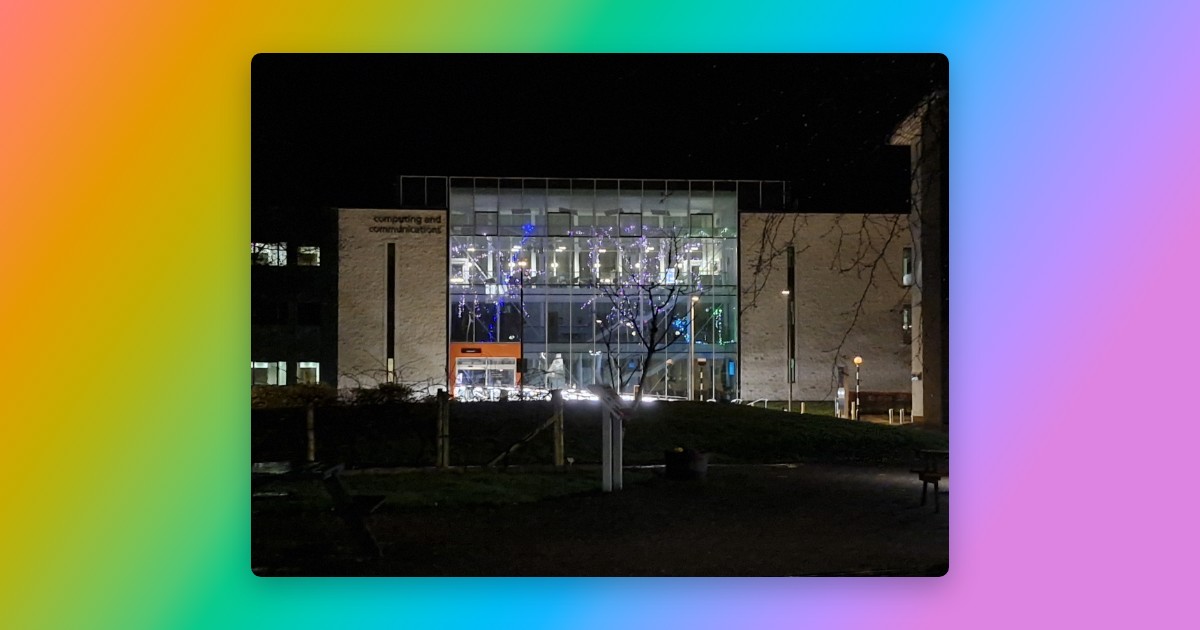
The glass front of Lancaster University's InfoLab21 building at night, with the LED display glowing behind the atrium windows. CheerLights Fireworks on Lancaster University’s InfoLab21 Display Projects
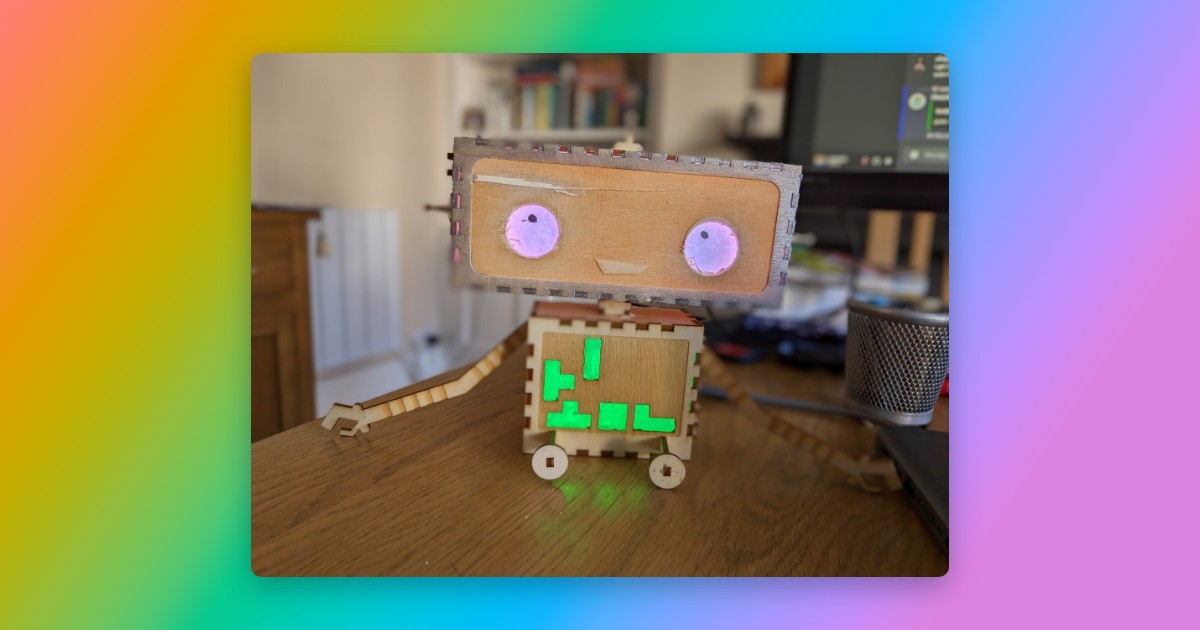
A boxy wooden robot lamp on wheels sits on a desk, its round eyes glowing pink and the cutouts in its body glowing green. CheerLights Lamp Shaped Like Serol, Las Cumbres Observatory’s Mascot Projects
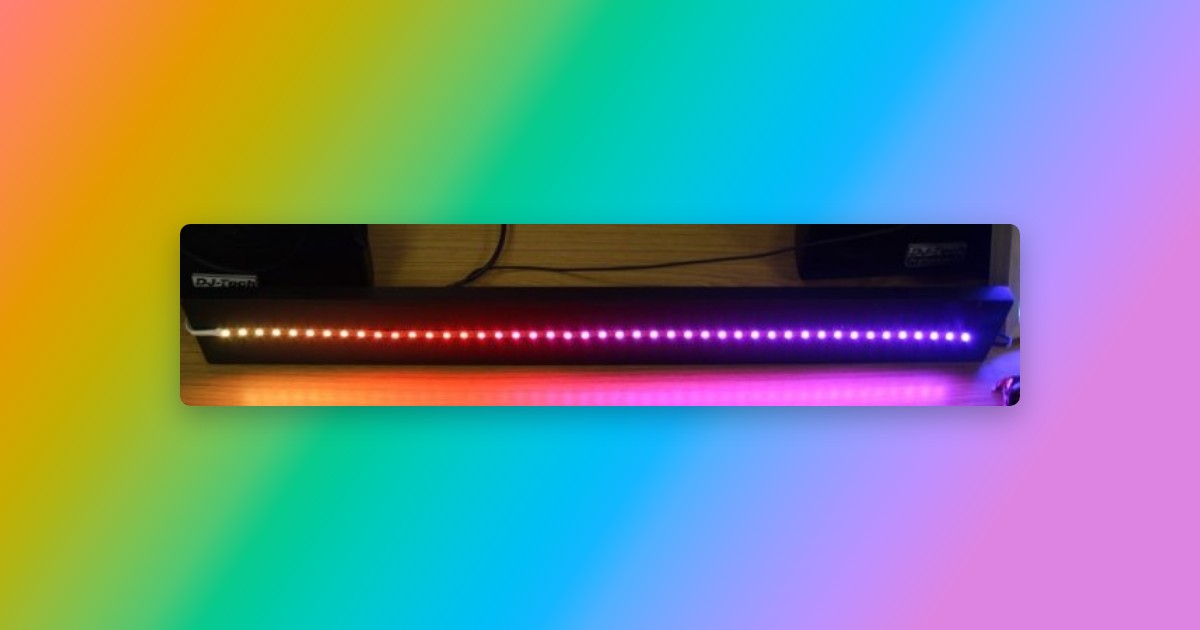
A strip of LEDs along a black bar glows in a gradient from orange on the left through red and pink to purple and blue on the right. Raspberry Pi Pixel Server Adds CheerLights as a Custom Color Projects

Leave a Reply Cancel reply

Your email address will not be published. Required fields are marked *

This site uses Akismet to reduce spam. Learn how your comment data is processed.

Get new CheerLights posts by email

Tutorials, new builds, and announcements, one email per post.

  • CheerLights for Home Assistant: Your Lights Follow the Color Everyone Shares
  • CheerLights Terminal 0.2: Watch the Color Change Live in Your Terminal
  • CheerLights on an omg.lol Profile Card: A Display With No Hardware
  • CheerLights on Bluesky: Post a Color and Lights Around the World Change
  • Pimoroni CheerLights Examples: Six Boards, From Presto to Mighty FX

Copyright © 2026 CheerLights.

Powered by PressBook Grid Blogs theme

Loading Comments...