Skip to content
  • Live
  • Blog
  • Shop
  • Contact
  • About
  • Discord
  • GitHub
  • YouTube
  • Twitch
  • Instagram
CheerLights

CheerLights

We are all connected.

CheerLights on GitHub, Twitch, and Discord. We are all connected.
  • Learn
  • Build
  • Connect
  • Toggle search form

CheerLights Fireworks on Lancaster University’s InfoLab21 Display

Posted on December 14, 2021November 28, 2026 By Hans Scharler No Comments on CheerLights Fireworks on Lancaster University’s InfoLab21 Display

The InfoLab21 building at Lancaster University has an LED display on its front, and anyone can write effects for it. Dr John Vidler wrote one that ties it to CheerLights: Cheerworks, a fireworks show built on Ben Simms’ fireworks effect.

The glass front of Lancaster University's InfoLab21 building at night, with the LED display glowing behind the atrium windows.
Photo: Tom0267, from issue #46 in the infolab-lights repo

The display runs on software written in Rust and Elixir, and each effect is a small JavaScript program. You can try an effect in the project’s online playground, then send it in as a pull request. Cheerworks keeps Ben’s fireworks going in random colors, and every 300 frames it reads the latest CheerLights color from ThingSpeak. When the color has changed, it launches ten fireworks in the new color. John kept the check slow on purpose, with a note in the code: “Keep this low rate, otherwise we’ll hammer the cheerlights service!” His pull request was merged on December 14, 2021, and Cheerworks joined the list of effects for the display.

Modified from Ben Simms’ fireworks code, but with periodic colours pulled from the web

Dr John Vidler, in the Cheerworks code

The code for the display and all its effects is on GitHub.

Share this:

  • Share on X (Opens in new window) X
  • Share on Facebook (Opens in new window) Facebook
  • Share on Tumblr (Opens in new window) Tumblr
  • Share on Reddit (Opens in new window) Reddit
  • More
  • Share on Pinterest (Opens in new window) Pinterest
  • Share on LinkedIn (Opens in new window) LinkedIn
  • Email a link to a friend (Opens in new window) Email
  • Print (Opens in new window) Print

Related


Discover more from CheerLights

Subscribe to get the latest posts sent to your email.
Projects Tags:Community Spotlight

Post navigation

Previous Post: The CheerLights Origin Story: Arduino, IoT, Twitter, and Community
Next Post: Updates to the CheerLights System: Node-RED and MQTT

Related Posts

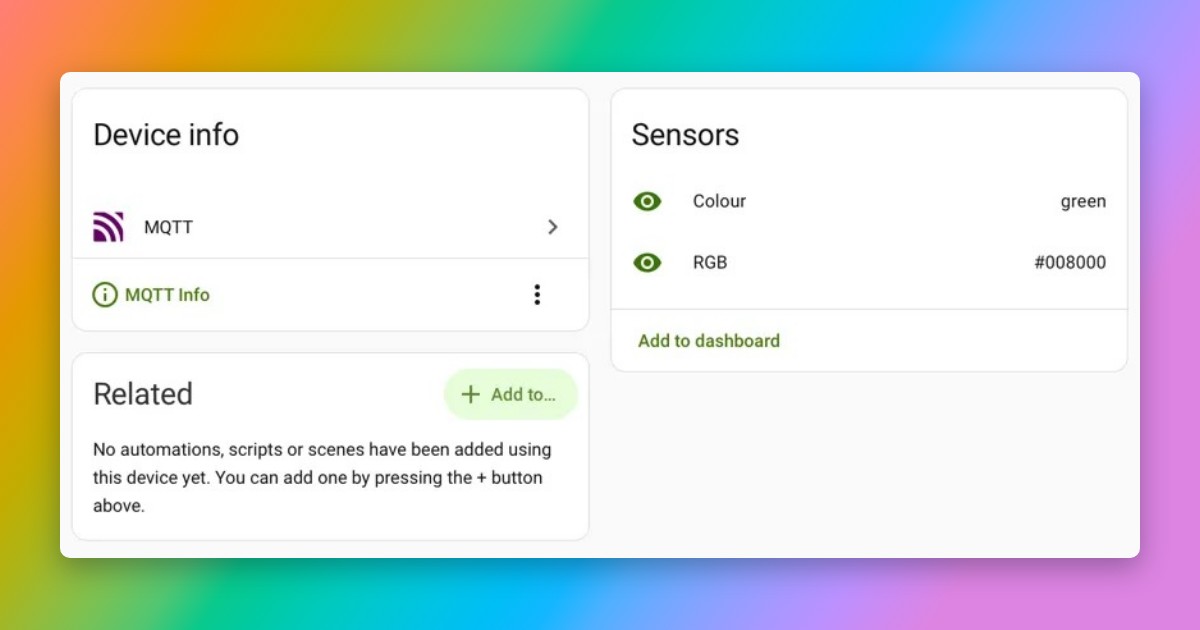
A Home Assistant device page with two CheerLights sensors, Colour reading green and RGB reading #008000. CheerLights in Home Assistant With a Mosquitto MQTT Bridge Projects
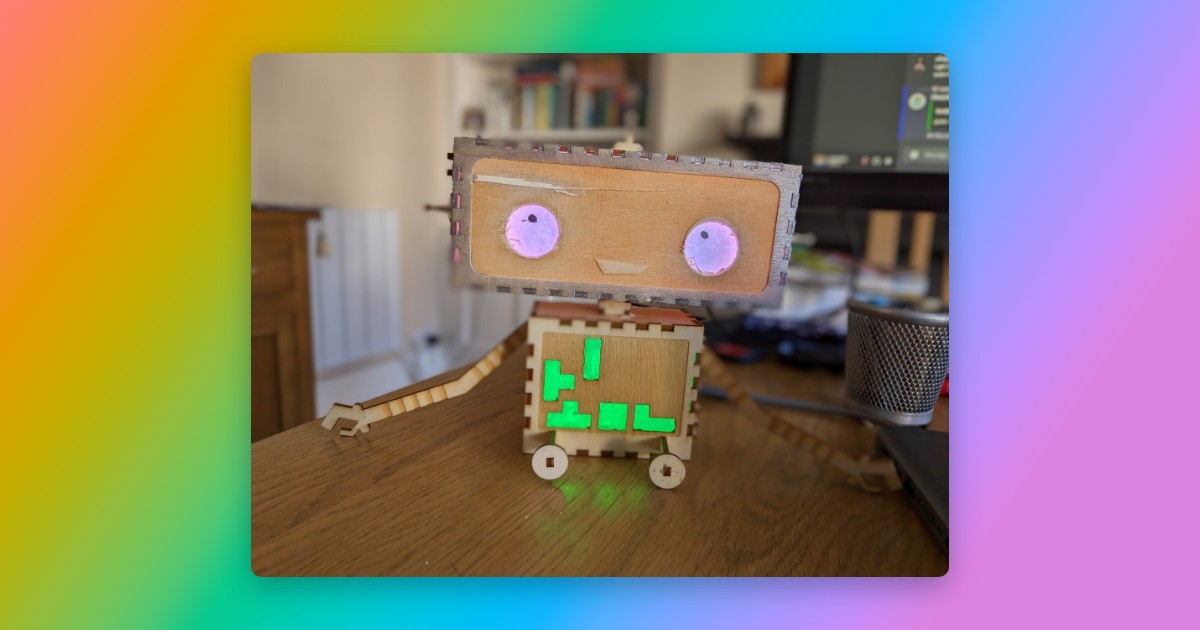
A boxy wooden robot lamp on wheels sits on a desk, its round eyes glowing pink and the cutouts in its body glowing green. CheerLights Lamp Shaped Like Serol, Las Cumbres Observatory’s Mascot Projects
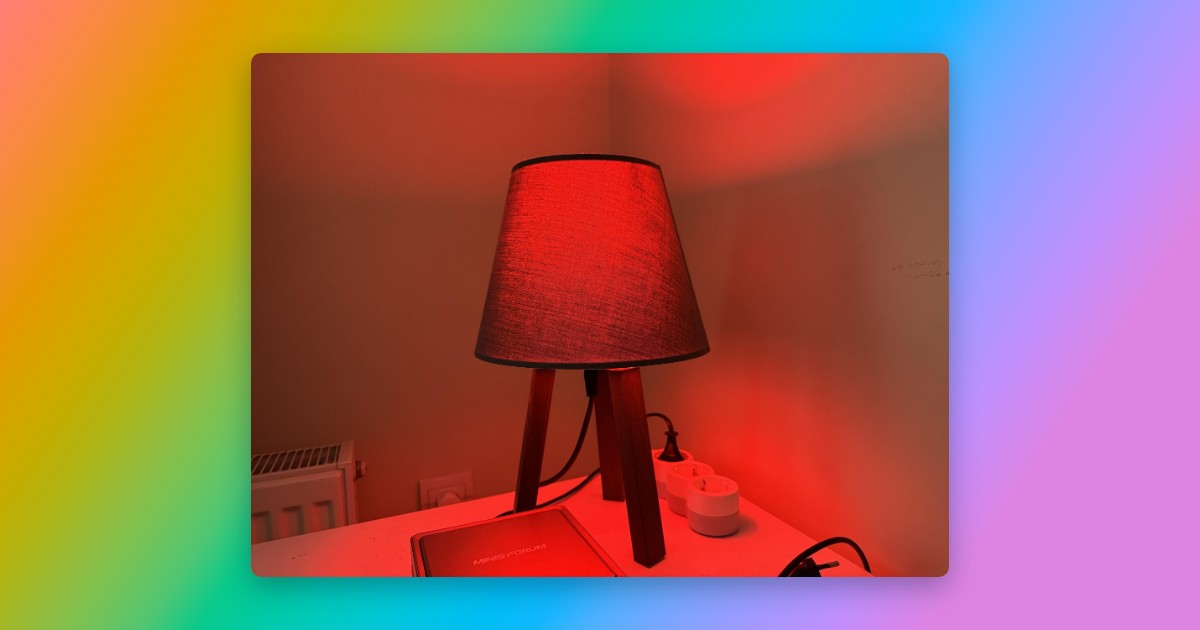
A table lamp with a fabric shade on wooden tripod legs glows red in the corner of a room, on a white desk beside a mini PC and a power strip. CheerLights Home Office Lamp With Home Assistant and n8n Projects

Leave a Reply Cancel reply

Your email address will not be published. Required fields are marked *

This site uses Akismet to reduce spam. Learn how your comment data is processed.

Get new CheerLights posts by email

Tutorials, new builds, and announcements, one email per post.

  • CheerLights for Home Assistant: Your Lights Follow the Color Everyone Shares
  • CheerLights Terminal 0.2: Watch the Color Change Live in Your Terminal
  • CheerLights on an omg.lol Profile Card: A Display With No Hardware
  • CheerLights on Bluesky: Post a Color and Lights Around the World Change
  • Pimoroni CheerLights Examples: Six Boards, From Presto to Mighty FX

Copyright © 2026 CheerLights.

Powered by PressBook Grid Blogs theme

Loading Comments...