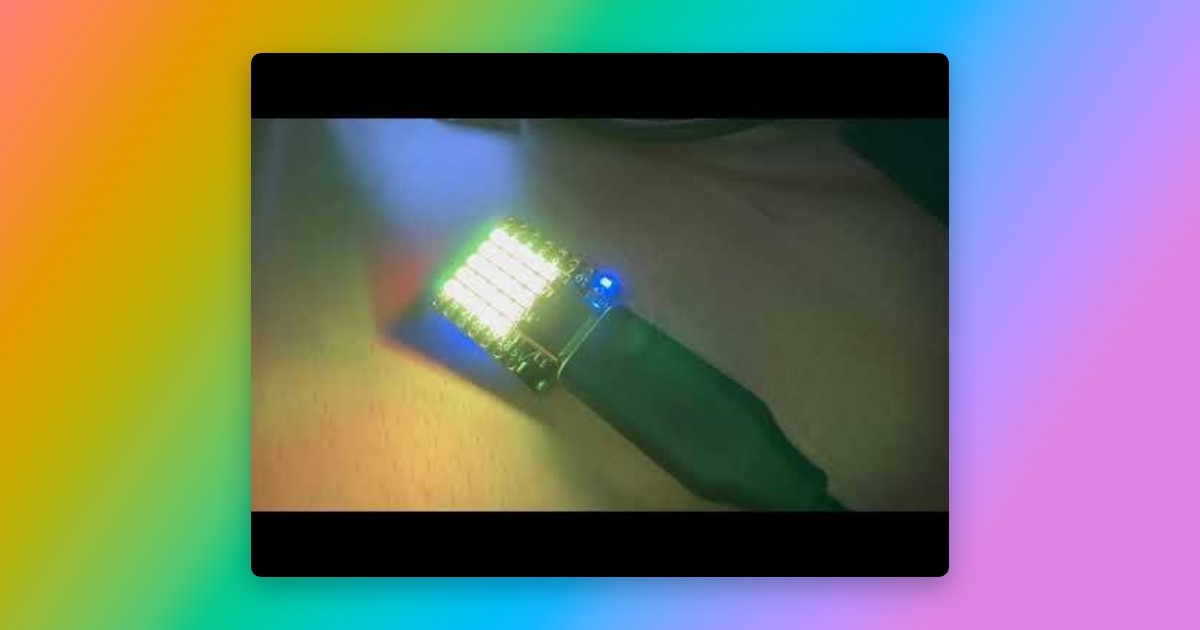
Les Pounder wrote a CheerLights tutorial for Linux Format issue 327, the May 2025 issue. “Control a world of lights with CheerLights” shows how to make NeoPixels on a Raspberry Pi Pico W follow the CheerLights color, all in MicroPython.

The parts list is short: a Pico W or Pico 2 W, a breadboard, three jumper wires, and NeoPixels (RGB LEDs you set one by one). Les built his on a Pimoroni Unicorn pHAT, and he used pinout.xyz and pico.pinout.xyz to work out how to wire its pins to the Pico. His code joins Wi-Fi, reads the current color with cheerlights_api (the module name of the CheerLights API Python package), and sets all 32 LEDs to it. Then it checks again every five seconds and updates the LEDs when the color changes. The article runs the LEDs from 3V instead of 5V: in Les’s test, magenta pulled 800mA at 5V and 440mA at 3V. A screenshot in the repo shows him posting “#cheerlights orange” on Mastodon and the Pico answering “Color changed: (255, 165, 0)”.
In this tutorial, we shall learn how to use the CheerLights API to control our NeoPixels and those of the thousands of projects that use the CheerLights API, all via MicroPython.
Les Pounder, in Linux Format
The code and a wiring diagram are on GitHub, and the full tutorial is in Linux Format issue 327.
Discover more from CheerLights
Subscribe to get the latest posts sent to your email.