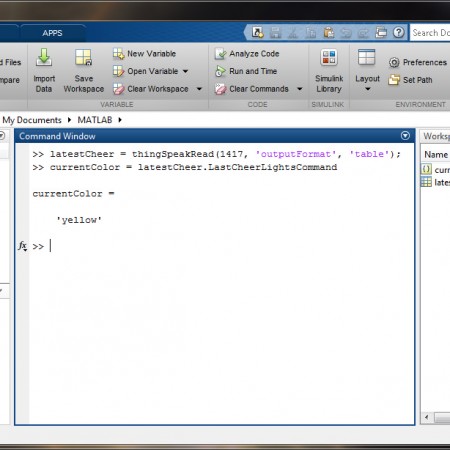
The CheerLights color is now set on Discord. This post is from when anyone could tweet a color to CheerLights. Today, use the /cheerlights command on the CheerLights Discord, and see the Learn page for the current API.
Marc has built a really cool way to display the latest CheerLights color. And, if you want to change Marc’s color (and the other 1000’s lights), just send a Tweet mentioning CheerLights and a color name. Marc has also published a full tutorial on how to use the Adafruit Feather HUZZAH to read the latest color from the CheerLights ThingSpeak Channel.
[via Adafruit Learn]